
Show the class a playable example first
Open a browser game before planning a lesson. Works on classroom devices with no install.
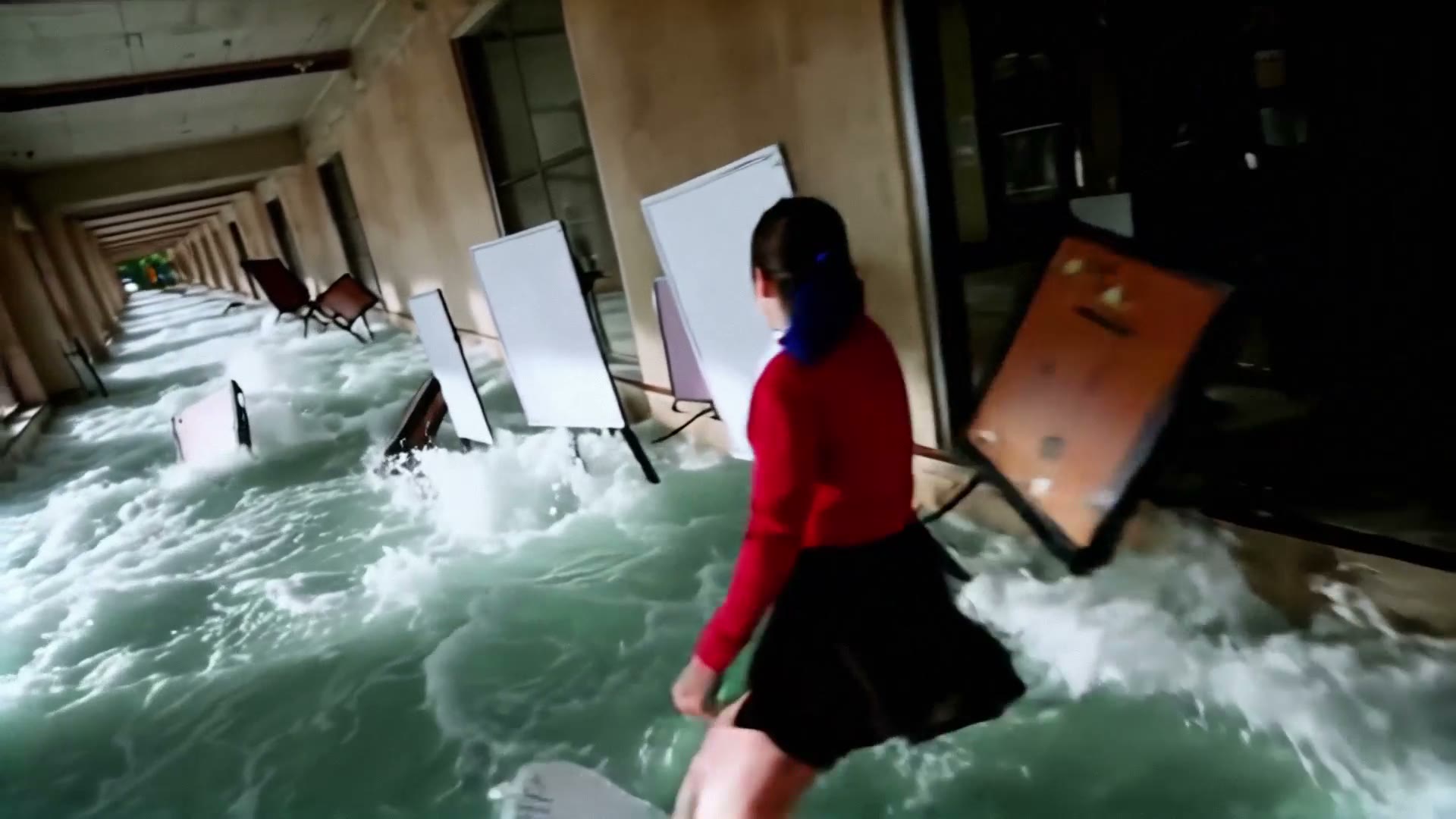
Turn Any Lesson Into a Playable Game
Free AI tool for teachers — create interactive learning games in 5 minutes. No coding, no training required. Share a link and your whole class is playing in seconds.
Play a Few Student-Tested Games First
These are real games built by teachers and students on Gameer. Open one on your board or a Chromebook to see the experience your class will get.
EXPLORE
GAMESDive into our collection of AI-powered interactive adventures
How Teachers Use Gameer
You already have the lesson. Gameer turns it into something your students actually want to play. Here is what real teachers are doing across four subject areas.
History: Living Timelines
Instead of reading about the Dust Bowl or the Silk Road, students step into it. They make trade decisions as a merchant, choose whether to migrate, and watch the consequences unfold in a playable browser activity.
Science: Experiments You Can Play
Turn a unit on ecosystems into a game where students adjust populations and watch the food web react. Convert photosynthesis into a puzzle where students control sunlight, water, and CO2 to keep a plant alive. Abstract concepts stick because students cause the outcome instead of reading about it.
Literature: Step Into the Book
Assign Of Mice and Men and also let students play through a branching version where they are George. Suddenly they understand the ending because they lived the pressure of every decision leading up to it. Works for Shakespeare, The Great Gatsby, or any novel your district has licensed.
Language Learning: Speak to Survive
Drop Spanish 2 students into a market in Madrid where they must ask for directions, order food, and handle a lost wallet — all in Spanish. Context-driven practice beats vocabulary lists every time because students care about the outcome. Build a new scenario every week in minutes.
Why Game-Based Learning Works
Students stay closer to the material when they are actively making decisions instead of only reading or watching. Gameer turns the lesson into a short playable scenario teachers can preview before sharing.
Play
Active choices. Students make decisions inside the lesson instead of only answering after it ends.
Share
One browser link. A teacher can send the same game link through Classroom, email, or a class page.
Review
Teacher control. Preview the game before students see it, then adjust the prompt or share when ready.
The Pedagogy Behind It
Game-based learning lines up with constructivist theory, Vygotsky's zone of proximal development, and mastery learning. Students face a small challenge, get immediate feedback, try again, and level up. You are not replacing your teaching — you are giving your students a way to practice the concept after you introduce it.
Free for Educators. Always.
We keep a genuinely free tier so any teacher can use Gameer without a purchase order, a pilot contract, or a district license. You can build lessons, share with your class, and collect student playthroughs today — no credit card.
What the Free Tier Includes
- • Unlimited lesson-to-game conversions for your classes
- • Shareable links that work on any device
- • No ads, no student data sold
- • Teacher preview and approval on every game
For Whole Schools and Districts
- • Bulk teacher accounts and admin controls
- • Class rostering and simple analytics
- • Heavily discounted education pricing
- • Reach us at hello@gameer.co to set it up
Students Love It
The lowest-friction classroom tool wins. Gameer runs in a browser tab — the same tab Google Classroom, Khan Academy, and Kahoot already live in.
Works on Chromebooks
Built browser-first, so Gameer runs cleanly on the Chromebooks that dominate K-12. No plugins, no installs, no IT request tickets. Pass the link, students play.
No App to Download
Zero installs means zero waiting. Students click the link and they are inside the game. Ideal for sub plans, last-minute lessons, or emergency Fridays.
No Student Accounts Needed
Students can play without creating accounts, which keeps you compliant with strict district data policies and saves the first 10 minutes of class.
Frequently asked questions
Is Gameer really free for teachers?
Yes. We keep a free tier specifically for individual teachers so you can create interactive lessons and share them with your class without a purchase order or school budget approval. You only need a paid or district license if you want bulk teacher accounts, admin controls, analytics dashboards, or district-wide deployment. For school and district pricing, email hello@gameer.co.
How much time does it take to build a lesson?
Most teachers go from idea to a playable game in about five minutes. You type a short description of the topic, the learning objectives, and the tone you want (serious, lighthearted, competitive). AI generates the game, you preview it, tweak anything that is off, and share the link. The first one takes a little longer because you are learning the interface; after that you will be building lessons during a prep period.
Do I need any technical training?
None. If you can type a lesson plan into Google Docs, you can use Gameer. There is no coding, no block-based logic editor, and no steep software to learn. The interface is intentionally designed around teachers who do not have time for a training session. Most teachers are up and running in their first sitting.
Is the AI-generated content safe for my students?
All generated content goes through safety filters designed for education. More importantly, teachers preview every game before it reaches students, so nothing gets to your class without your explicit approval. We do not show ads, we do not sell student data, and we honor FERPA and COPPA expectations around student information.
Does it work on Chromebooks and behind school firewalls?
Yes. Gameer is fully browser-based, so it runs on Chromebooks, iPads, Windows laptops, and any device with a modern browser. Students access games through a simple URL, so school content filters treat it like any other educational website. If your students can open Google Classroom, they can open a Gameer game.
Can I align a game to specific standards or objectives?
Yes. When you describe the lesson, you can paste in the learning objectives, standards (Common Core, NGSS, state-specific), and any vocabulary you want students to encounter. The AI incorporates these into the gameplay so students practice the exact skills you are teaching. You keep control by previewing and editing before you share.
What grade levels does this work for?
Teachers have used Gameer from upper elementary through high school and into undergrad. It works best for anything with a narrative or decision-making component: history, social studies, literature, science concepts, world language, and health. For pure drill (multiplication facts, spelling lists) a quiz tool is probably a better fit, but for understanding concepts in context, game-based lessons are hard to beat.
How do I track whether students actually played?
On the free tier you can see aggregate play counts on any game you share. If you need per-student progress, roster sync, or gradebook export, that lives in our school and district tier. For most teachers, the free tier is plenty because they walk around the room during play and can see engagement firsthand — which is usually the point.
Explore More
Make Games Without Coding
No-code game creation powered by AI and natural language
How to Create a Game Without Coding
Step-by-step guide to no-code game creation
How to Build Games
Complete guide to building your first game
Make Your Own Game
Everything you need to create your first game
Turn Story into Game
Transform any narrative into a playable experience
Lesson to Game Generator
Convert lesson plans into playable decision games
AI Game Prototype Generator
Validate a playable concept before building a full game
AI Search Game Generator
The AI-search-friendly way to create prompt-first browser games