
Make Videos Your Audience Plays, Not Just Watches
Gameer is an interactive video maker that generates the footage too: describe the scene, and AI renders cinematic clips wired together with viewer choices.
Play first. The details are below if you want them.
Play a featured game before you build
Watch the first moment, tap in, and see the payoff before you scroll into the creator workflow.
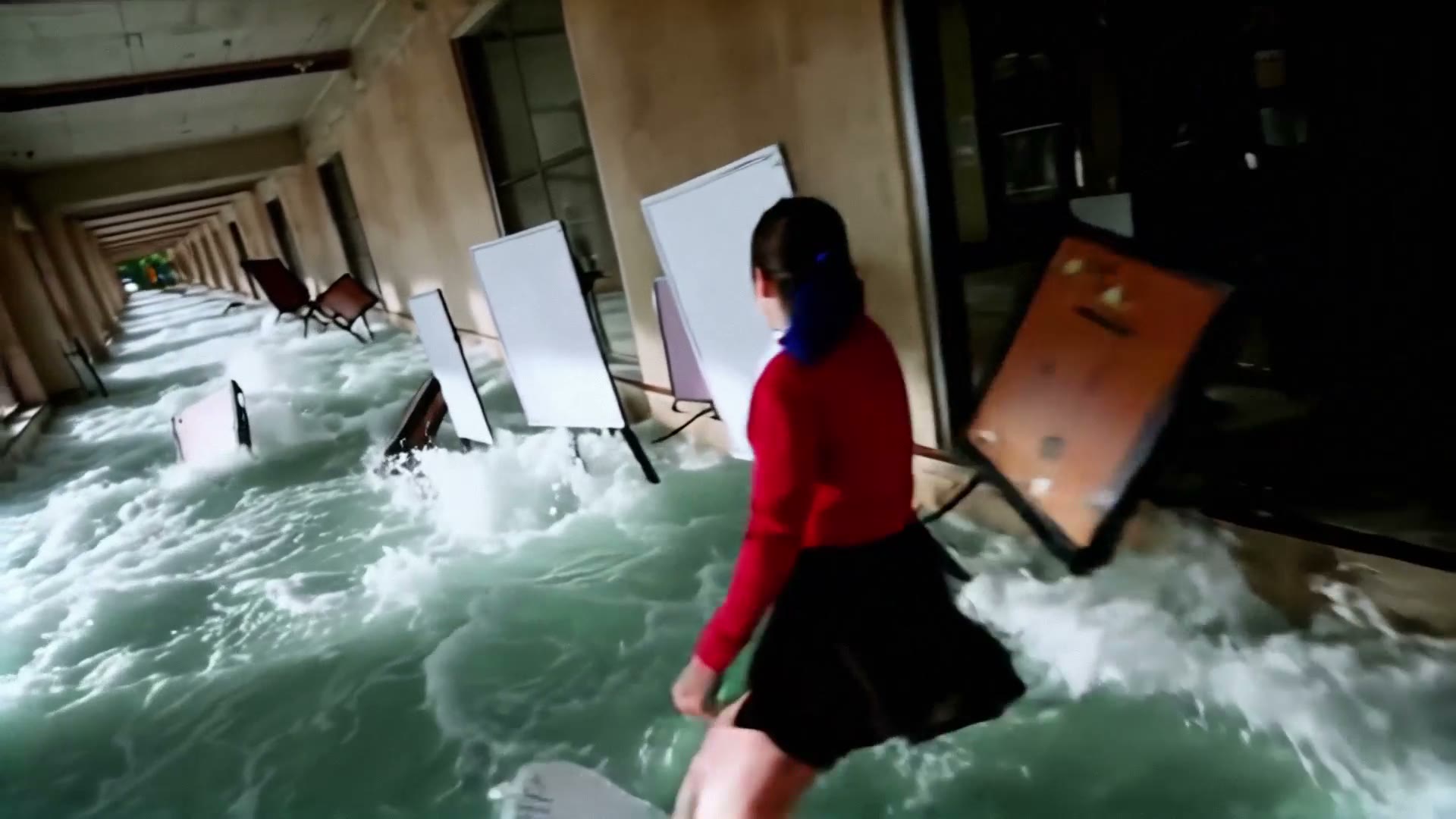
Most interactive video tools assume you already shot the footage and just need branching logic on top. That works for corporate training, but it prices out storytellers who do not have a film crew.
Gameer flips the order: the AI generates the video scenes from your descriptions, then you wire choices between them. The result plays in the browser like a game, shares like a link, and needs no editing timeline.
Quick answer
What is the fastest way to make an interactive video?
Describe your opening scene, generate it, then add up to three choices that lead to new scenes. Gameer renders the video for each branch, so a playable interactive video exists in one session.
- AI-generated footage
- Up to 3 choices per scene
- Plays in any browser
Imagination into Reality
High quality immersive games in minutes
Surf Adventure
MOVE
What makes Gameer a fit
The footage is generated, not uploaded
You are not limited to what you can film. Spaceship explosions, museum heists, and festival crowds cost a prompt, not a production day.
Choices are native, not an overlay
Branches are part of the game engine — choice timing, game-overs, and multiple endings — not hotspot buttons pasted on a player.
Publishing is a link
Finished interactive videos live on Gameer as playable browser games your audience can open anywhere, with no app install.
Prompt ideas to try
Cliffhanger Chase
"A courier sprints across neon rooftops chased by drones; at the ledge the viewer chooses: jump the gap, drop into the alley, or turn and fight."
A three-way branch on a visual peak is the classic interactive-video hook.
Two-Ending Romance
"At a rain-soaked train platform, the viewer decides whether the writer confesses before the doors close or boards in silence — each choice gets its own final scene."
Two endings from one decision is the fastest complete interactive video you can ship.
Heist Gone Wrong
"Mid-vault-break, the alarm trips early. The viewer picks the exit: the loading dock, the skylight, or bluffing past the guards in stolen uniforms."
Wrong-choice stakes make viewers replay — the core interactive-video retention loop.
How to use Gameer for this workflow
Write the opening scene
One or two sentences of concrete action. The AI turns it into the first video clip.
Add the decision point
Give viewers up to three choices and describe where each one leads.
Generate the branches
Each branch becomes its own scene. Endings can pay off, loop back, or game-over.
Share the link
Publish and send one URL. Viewers play in the browser on any device.
Best-fit use cases
Creators with an audience
Turn a series premise into weekly playable episodes your followers argue about.
Writers testing stories
Prototype a branching plot as playable video before committing to a longer format.
Teachers and trainers
Decision scenarios hit harder when the consequence is a scene, not a slide.
Ship an interactive video today
Describe one scene, add one decision, and you have something viewers can play. Creator Pro unlocks the full studio instantly.
Related workflows
Frequently asked questions
Do I need my own video footage?
No. Gameer generates the video scenes from your written descriptions, so you never upload or edit footage.
How many choices can one scene have?
Up to three choices per decision point, each leading to its own generated scene, ending, or game-over.
Where do finished interactive videos live?
They publish as browser-playable games on Gameer with a shareable link — no player embed or hosting setup required.
Is there a free way to try it?
You can play published interactive videos free, and apply for reviewed creator access — or subscribe to Creator Pro for instant studio access.